
-
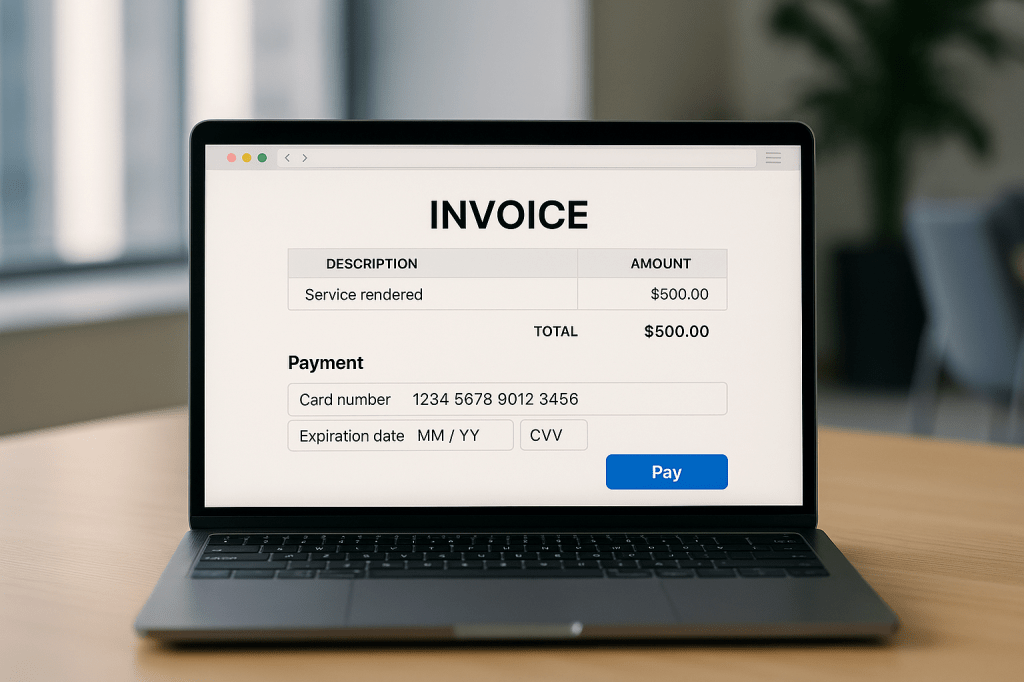 Continue reading →: Deduction Management – Part 2
The Deduction Management for D365 Finance will be divided into three parts as mentioned in Part 1 of my post to cover the various setups and operations involved. The first part will focus on the setup process for deduction management. The second part will explore different methods for entering deductions…
-
 Continue reading →: Deduction Management – Part 1
In various situations, customers may short pay an invoice due to reasons such as verbal agreements for discounts, wire payment fees, disputes over quantity or price, shipment issues, or minor write-offs. The Accounts Receivable (AR) department often needs time to investigate and confirm these deductions before they can be accurately…
-
 Continue reading →: Settlement Settings – Penny Difference and Maximum Over/Underpayment
Understanding cash settlements settings in D365 can be challenging, especially when it comes to applying settlements to open invoices and handling minor discrepancies or over/underpayments. This blog post will explore the effects of the Accounts Receivable and Accounts Payable Parameters’ “Maximum penny difference” and “Maximum overpayment or underpayment” settings. It’s…
-
 Continue reading →: Vendor Prepayment without an Invoice
In my previous post, I discussed that D365 supports two different prepayment methods for vendors – one with an invoice and one without. In continuation with this series, I’ll be discussing the differences between Vendor Prepayment Invoice vs Vendor Prepayments and walkthrough an example of a Vendor Prepayment without an…
-
 Continue reading →: Vendor Prepayment Invoice
D365 supports two different prepayment methods for vendors – one with an invoice and one without, similar to my previous blog posts regarding Customer Prepayments. In this blog post, I’ll be discussing the differences between Vendor Prepayment Invoice vs Vendor Prepayments and walkthrough an example of a Vendor Prepayment Invoice.…
-
 Continue reading →: Customer Prepayment without an Invoice
On my previous blogpost, I discussed the new feature called “Prepayment customer invoice feature” that was introduced in Version 10.0.41. D365 Finance had always allow booking for Customer prepayments (Customer deposits) without paying against an invoice before the new feature was introduced where users could record the prepayments received from…
-
 Continue reading →: Customer Prepayment Invoice Feature – 10.0.41
There are times when payment needs to be collected before the order is fulfilled, for example, a pre-order item or a make-to-order item. In D365 Finance, it allows you to collect prepayments from customer as a deposit. However, you do not issue an invoice to the customer or apply the…
-
 Continue reading →: Financial Tag Defaulting Rules Feature
D365 Finance offers the capability to define financial dimensions for transactions, making it easy to identify them across various departments, cost centers, projects, and other financial data tracked on the trial balance. Typically, once the account structure is established, companies avoid adding new financial dimensions unless absolutely necessary for reporting…
-
 Continue reading →: Consolidate Online Using Templates – 10.0.40
D365 Finance has always had the functionality of running consolidations through the consolidation online method. However, the user has no easy way to access what or when the process was run other than looking at the Batch jobs (if they were ran with Batch processing), or look at the Consolidate…
-
 Continue reading →: Customer and Vendor Balance Netting
There are times when both the customer and the vendor are the same party in a company. Before “Customer and Vendor Balance Netting” feature was introduced, D365 Finance users will have to manually create dummy payment journals to clear the invoices balances. With the “Customer and Vendor Balance Netting” feature…
Hello,
I’m Cyndi

Welcome to D365 Deep Dive, a place where I share all my insights and knowledge about Dynamics 365 Finance (and maybe occasionally some Supply Chain Management stuff).
I’ve worked in all three different channels throughout my career in D365 – Partner, Microsoft, End User. I’ve seen many different use cases and user perspectives from both the external and internal viewpoints.
Join me as we explore the latest features and innovative solutions that D365 Finance has to offer. Let’s dive deep into the world of finance and technology together!
Credentials
- Dynamics 365: Finance and Operations Apps Solution Architect Expert – Since Oct 2020
- Dynamics 365 Finance Functional Consultant Associate – Since Aug 2019
- Dynamics 365 Supply Chain Management Functional Consultant Associate – Since Apr 2020
- Power Platform Solution Architect Expert – Since Jun 2021
- Power Platform Functional Consultant Associate – Since Feb 2021
- Dynamics 365 Customer Service Functional Consultant Associate – Since Jul 2022
- Power BI Data Analyst Associate – Since Oct 2021
- Dynamics 365 Fundamentals – Since Nov 2020
Let’s connect
Other Articles



Something went wrong. Please refresh the page and/or try again.
Categories
- Accounts Payable (11)
- Accounts Receivable (12)
- Cash and Bank Management (4)
- Consolidations (1)
- D365 Finance (23)
- Foreign Currency Revaluation (3)
- General Ledger (7)
- Period Close (1)
Advertisements
 D365 Deep Dive