
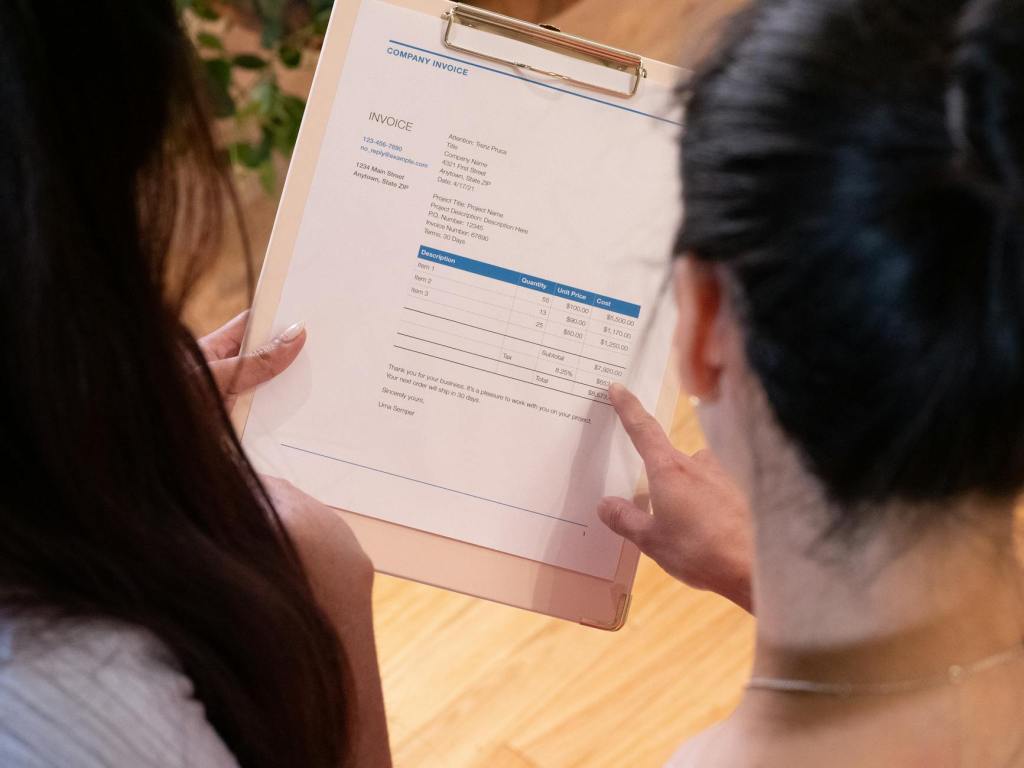
Scenario: You have an invoice from USMF that needs to be sent to a customer, but the revenue should be recorded in USSI without posting to an offset vendor account in USSI.
If this was to happen within USMF, you would create a Free Text Invoice, post it, print it, and send it to the customer. However, since this revenue needs to be booked in USSI, and AR Free Text Invoice does not support posting from one legal entity to another (unlike Accounts Payable where you can create an intercompany vendor invoice through AP Invoice Journal entry by offsetting the other legal entity), you need an alternative approach.
D365 Finance suggests posting intercompany customer invoices through a Sales Order or a Project Invoice, but this might not be feasible if the Project module is not used or if you do not want to post to a subledger transaction on the offset legal entity.
Due to the system’s limitations, user will have to do the following steps for the above problem statement:
- Create and post the Free Text Invoice in USMF
Dr Customer – USMF
Cr Revenue – USMF
- Book a General Journal entry to reclass the revenue from USMF to USSI.
Dr Revenue – USMF
Cr Revenue – USSI
Which automatically creates the intercompany transactions of:
Dr Intercompany Receivable – USSI
Cr Intercompany Payable – USMF
As a workaround to eliminate the second step of manual journal entry to reclass the revenue, it is possible to post this intercompany customer invoice through a General Journal (General ledger > Journal entries > General journals).
- Create a General journal by posting to the USMF customer account and offsetting the USSI Ledger account

- Under the Invoice tab, enter an invoice number.
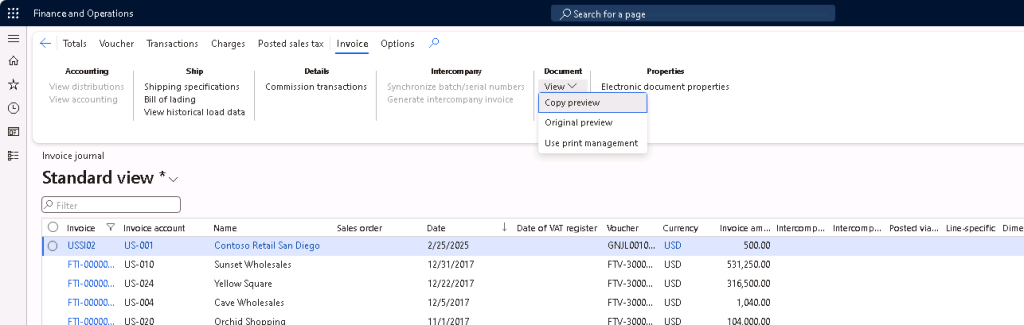
This step is necessary if you would like to see this invoice under the Invoice journal record in Accounts receivable > Inquiries and reports > Invoices > Invoice Journal, so that an invoice document can be generated and printed.
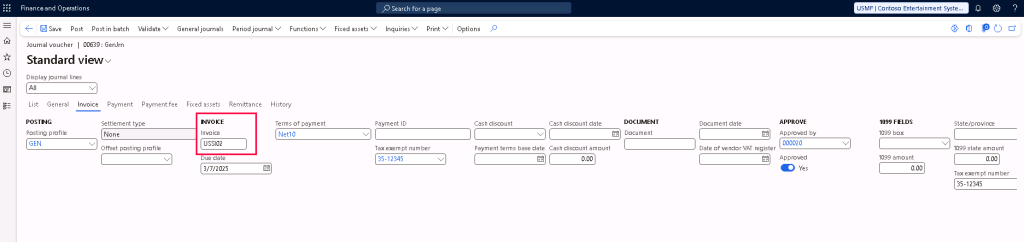
- Post the general journal entry
Vouchers posted to USMF:
Dr Customer
Cr Intercompany Payable

Vouchers posted to USSI:
Dr Intercompany Receivable
Cr Revenue

- This invoice transaction will also be visible under the USMF customer transactions
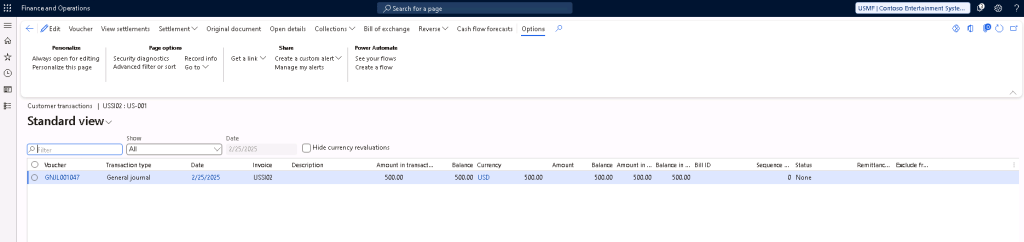
- As mentioned above, this invoice will also show up in invoice journal like a regular customer invoice.




 D365 Deep Dive
Leave a comment